
Android · Windows · LG TVs
Your IPTV subscription,
on every screen you own.
A fast, clear player for your own Xtream subscription: live channels with a program guide, movies, series and matches. Favourites and where you stopped watching follow you between phone, TV and PC.
The app is a player only and contains no channels or content. You need your own IPTV subscription.
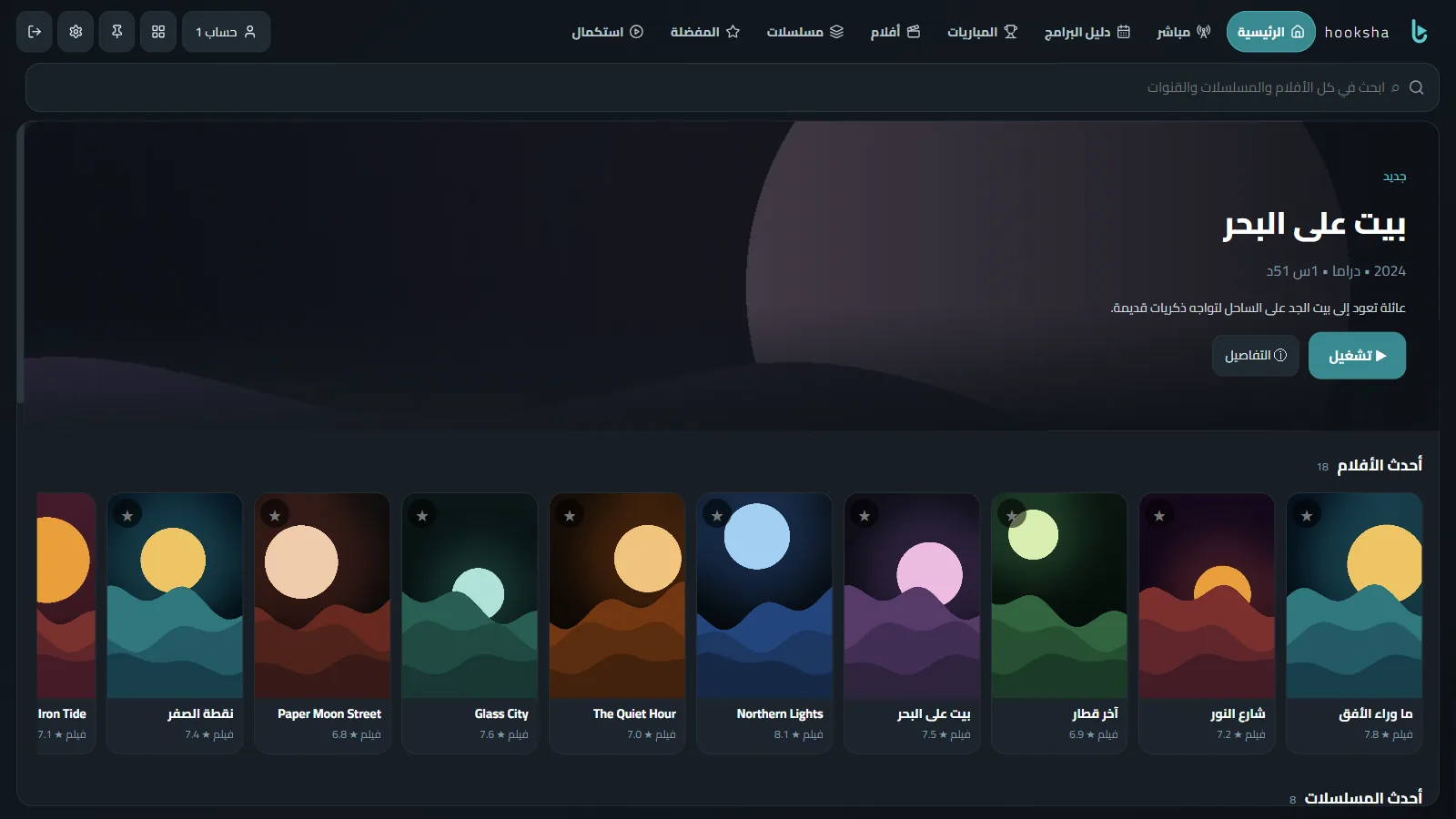
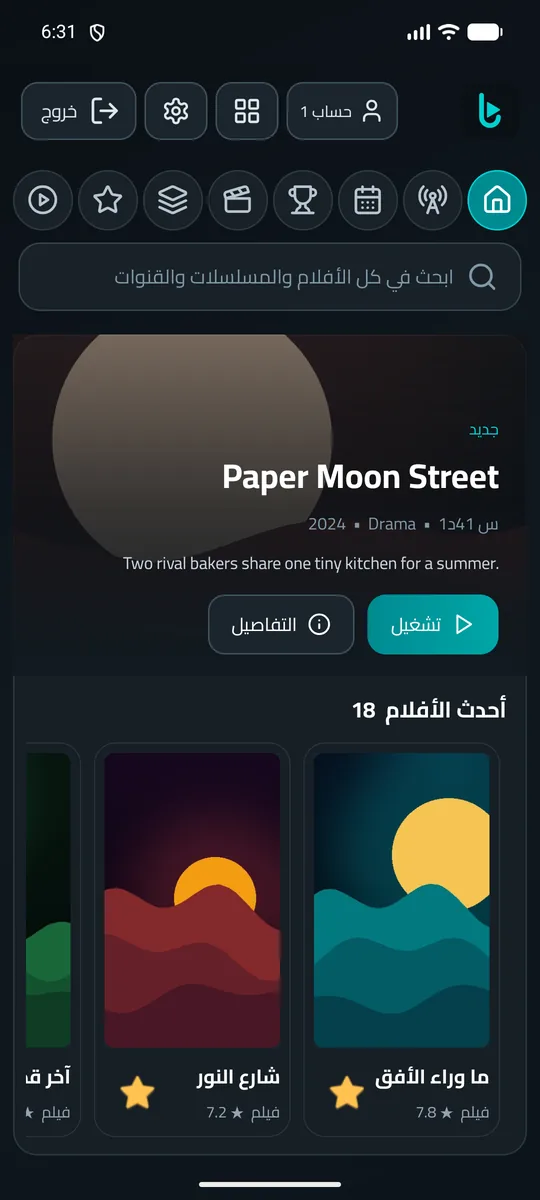
Everything you need to watch, nothing in the way
A guide that knows what's on now
The schedule for every channel, "now" and "next" on each one, a reminder before a show starts, and catch-up when your subscription supports it.
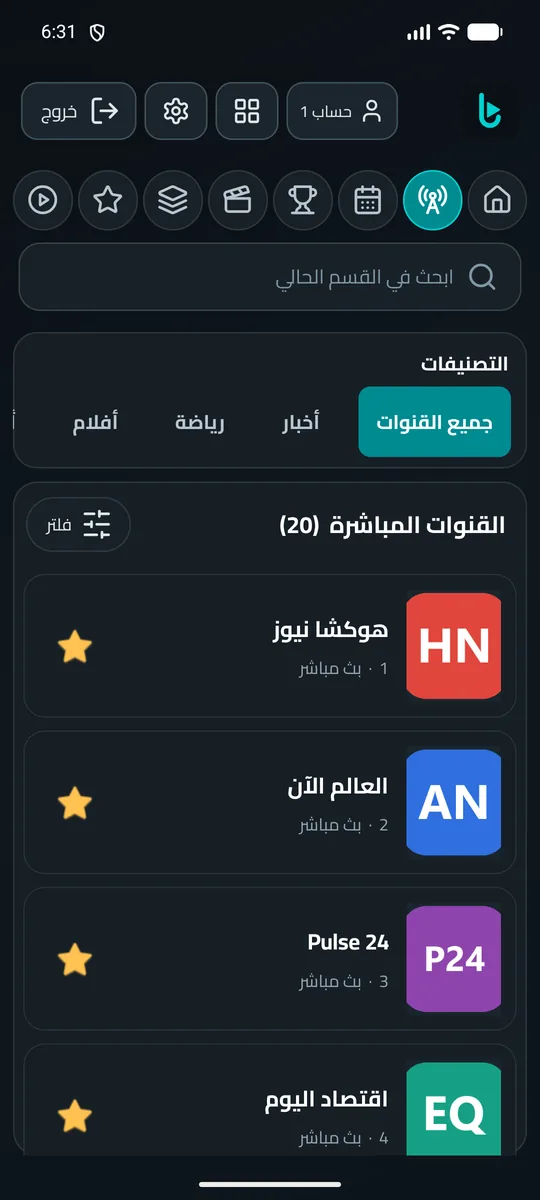
Matches in one place
Today's matches and the channels in your subscription that show them, sorted by time.
Movies and series, with details
Plot, cast and rating, resume where you stopped, and a heads-up on new episodes.
Synced across your devices
Favourites, watch history and settings move between phone, TV and PC.
Family friendly
PIN-protected parental control, a kids mode, and hidden adult categories.
More than one account
Add several subscriptions and switch between them in one tap.
Built for the remote
On the TV everything works with the arrow keys, in large, readable type.
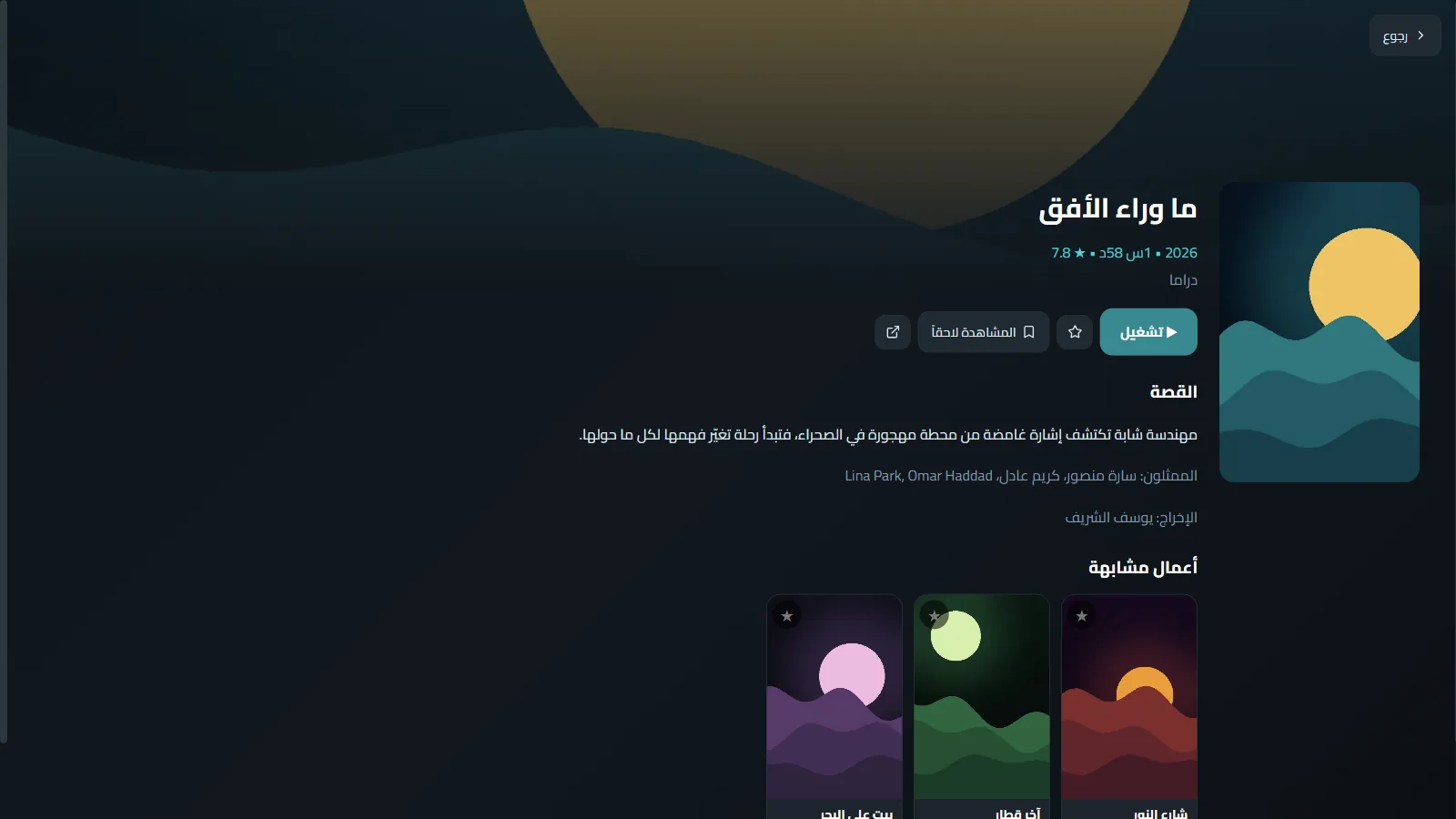
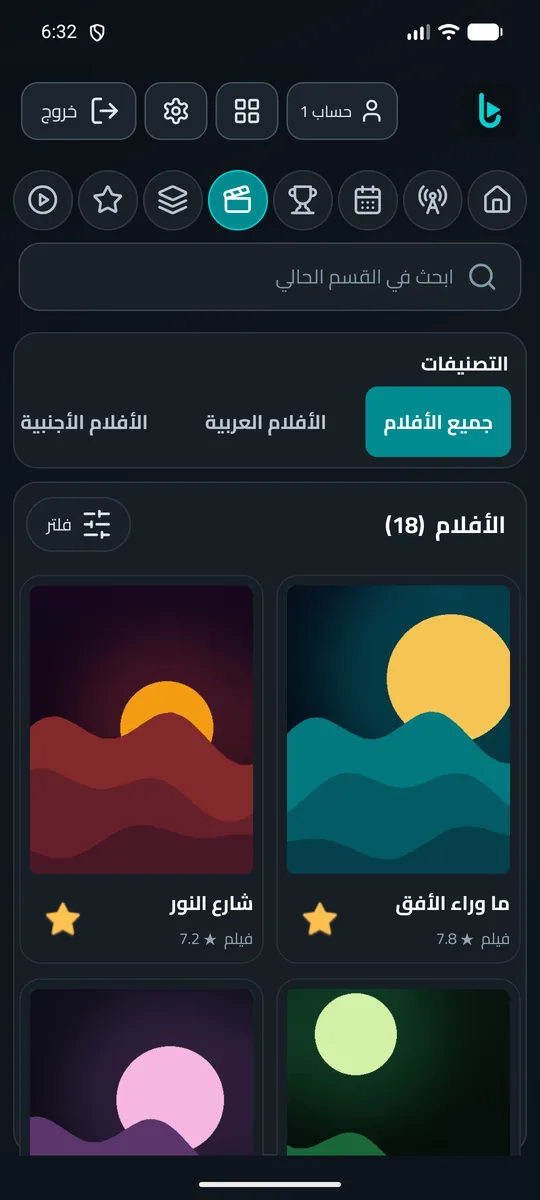
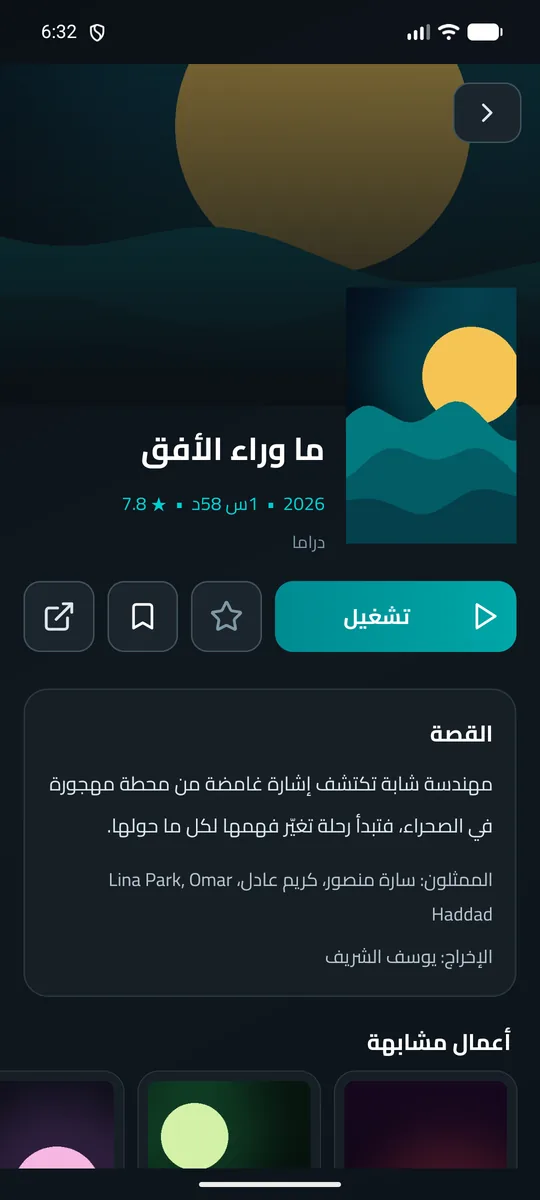
Screenshots use a demo server with made-up content, not real channels or movies.
One price for all your devices
Try every feature free for 14 days, no card needed. Then choose:
Monthly
EGP 19 / month
Up to 5 devices on one subscription.
Best value
Yearly
EGP 149 / year
Up to 5 devices. Less than two-thirds of the monthly price over a year.
Subscribe inside the app (Settings → Subscription). Card payments are handled by Paymob. After paying you get an activation code for your other devices. No automatic renewal.
Download Hooksha IPTV
Latest version: —
Android
Phones, tablets and Android TV devices.
Download APKOpen the file after downloading and allow installing if asked. Coming soon to Google Play.
Windows
Windows 10 and 11, a single file that runs without installing.
Download EXEIf Windows shows a warning, choose "More info", then "Run anyway".
LG TVs (webOS)
Runs on webOS TVs.
Ask for installNot in the LG store yet. Email us and we'll help you install it.
FAQ
Does the app include channels?
No. Hooksha IPTV is only a player, like a video player. You add the details of your own IPTV subscription (server address, username and password, Xtream format) from your provider. We don't sell subscriptions or provide any content.
What happens after the free trial?
It lasts 14 days with every feature. After that you need a monthly or yearly subscription to keep playing. Your data and lists stay as they are.
How do I activate more than one device?
After paying you get an activation code. Open Settings → Subscription on the other device and enter it. One subscription works on up to 5 devices.
How do I pay from the TV?
The subscription window on the TV shows a QR code. Scan it with your phone's camera and pay there — the TV activates by itself.
Do I have to update by hand?
When a new version is out, the app shows a notice with a "Download" button.
What data do you collect?
A random device ID and the subscription status only. Your IPTV login stays on your device. Details in the privacy policy.